DeepL
High-quality translation
For professional multilingual content where translation quality matters.

OMNIX Translator for Photoshop
Translate text layers, Auto Fit translated text, and batch export multiple language versions from one focused workflow.
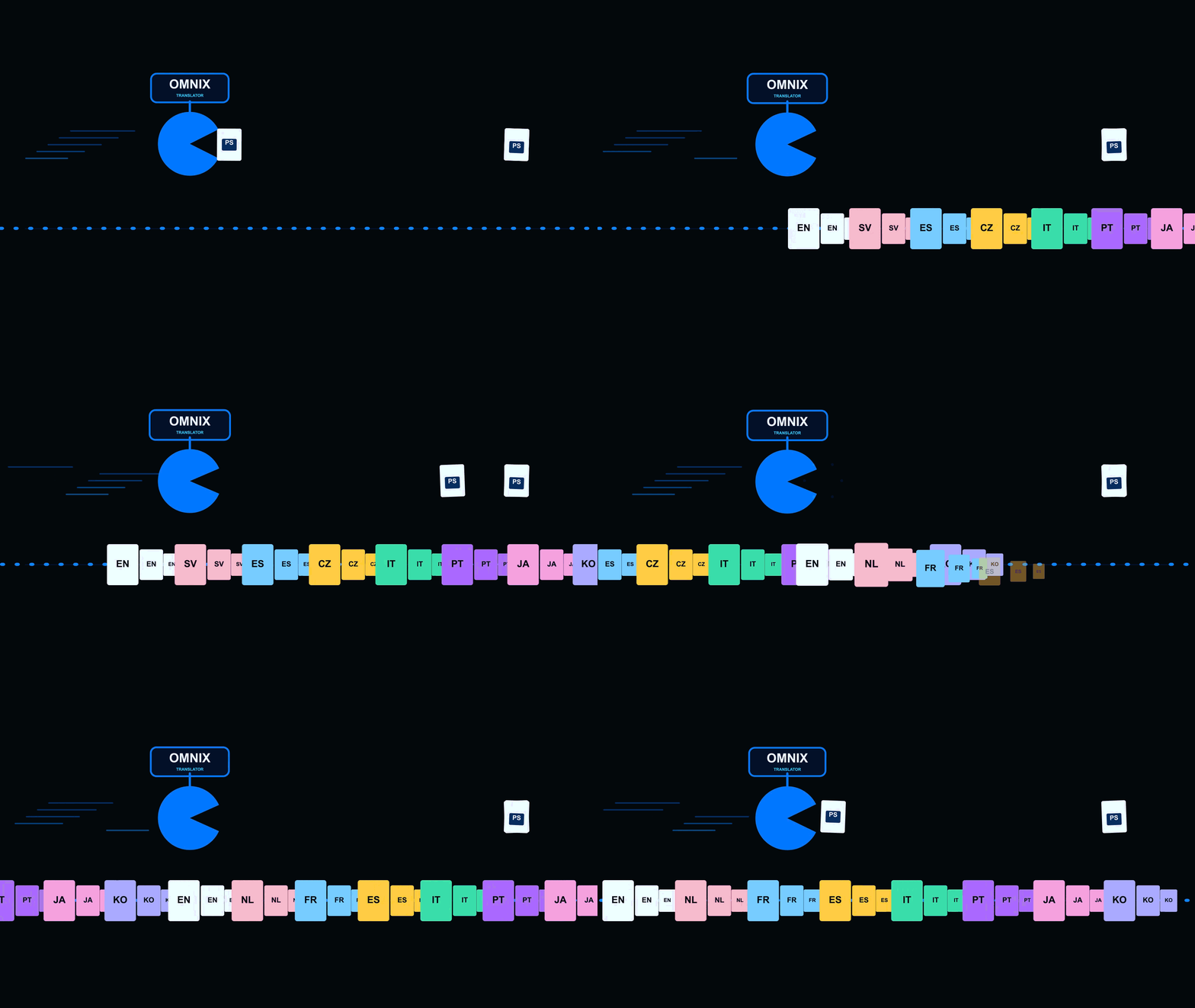
OMNIX Translator for Photoshop
Whether you are a production agency delivering hundreds of multilingual assets or an individual designer creating a few localized images, OMNIX makes multilingual production easier for you.
One click to translate. One click to Auto Fit. One click to batch export.
One focused workflow
OMNIX brings high-quality translation, Auto Fit, and batch export together inside Photoshop, helping you produce multilingual content with less repetitive work.
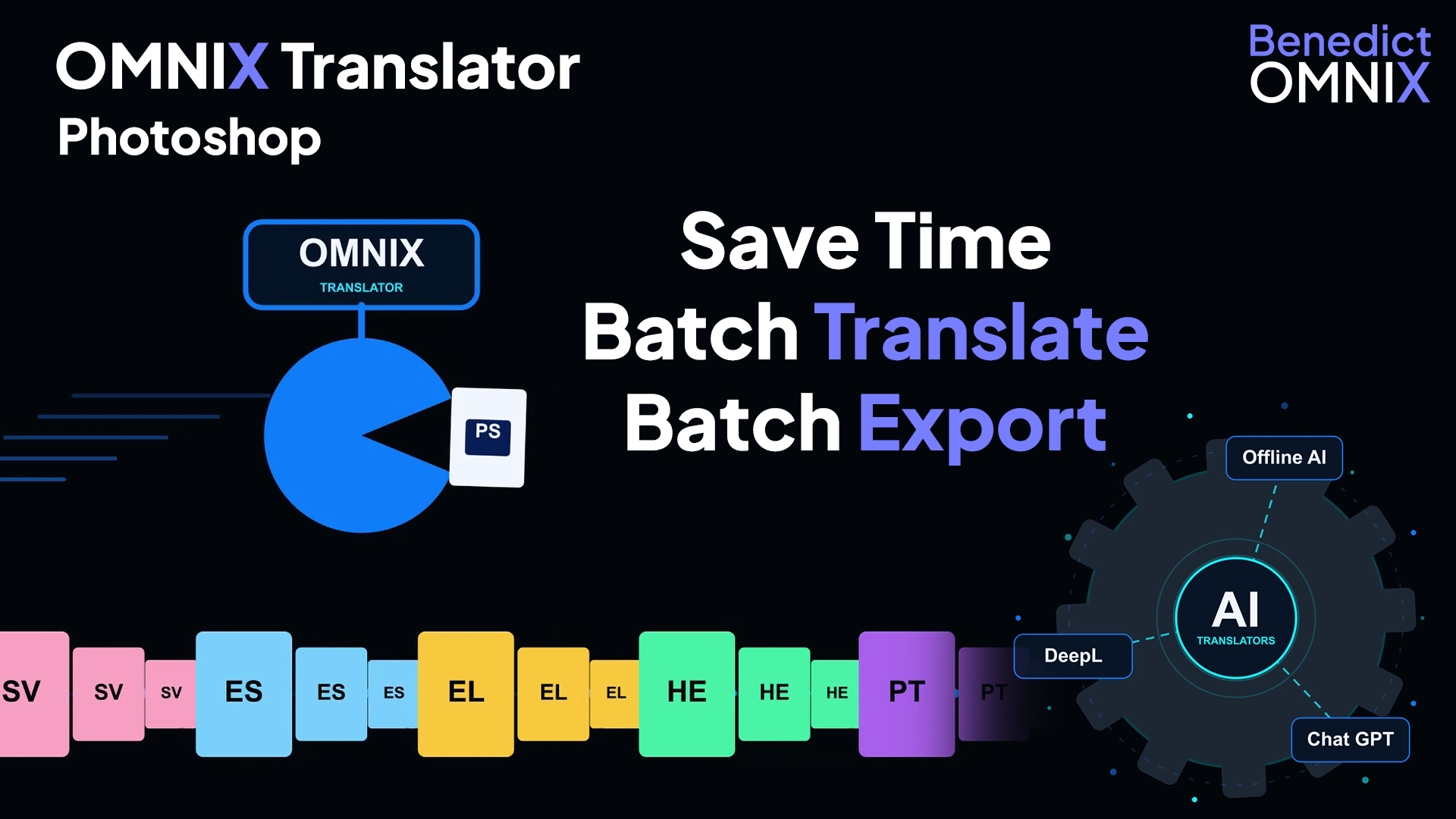
Choose how you translate
Every project is different. Choose the translation method that fits your work.
For professional multilingual content where translation quality matters.
Flexible AI translation directly inside your OMNIX workflow.
Use Ollama-compatible models for local translation without exposing your translation content online.
More than a translator
When you make a small change to your graphic and think, “Now I have to export my 100 images all over again,” that’s where OMNIX steps in.
No matter how many times your client changes your finalised design, with OMNIX you can always batch export all your language versions again in one click.